El gestor de login (inicio de sesión) de Crunchbang 11#! se llama: SLIM y está genial porque es superliviano; sin embargo me tenía un poco molesto que hubiera que ingresar usuario y contraseña cada vez.
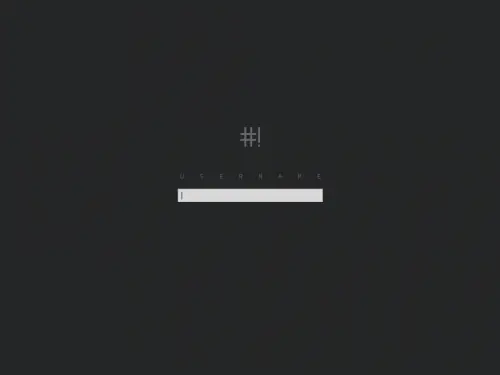
¿Cómo configurarlo para que el inicio de sesión sea automático?
Editando el archivo /etc/slim.conf
PASOS A SEGUIR:
En terminal, ejecutar:
sudo geany /etc/slim.conf
Buscar estas líneas:
# default user, leave blank or remove this line
# for avoid pre-loading the username.
#default_user simone
# Focus the password field on start when default_user is set
# Set to "yes" to enable this feature
#focus_password no
# Automatically login the default user (without entering
# the password. Set to "yes" to enable this feature
#auto_login no
Y modificarlas así (suponiendo que tu usuario sea "linuxero":


# default user, leave blank or remove this line
# for avoid pre-loading the username.
#default_user simone
default_user linuxero
# Focus the password field on start when default_user is set
# Set to "yes" to enable this feature
#focus_password no
focus_password yes
# Automatically login the default user (without entering
# the password. Set to "yes" to enable this feature
#auto_login no
auto_login yes
Cierra el editor guardando los cambios y reinicia tu PC para apreciar el resultado.
sudo reboot

VIVA CRUNCHBANG, VIVA DEBIAN, VIVA GNU/LINUX