KzHacker
Usuario (Argentina)
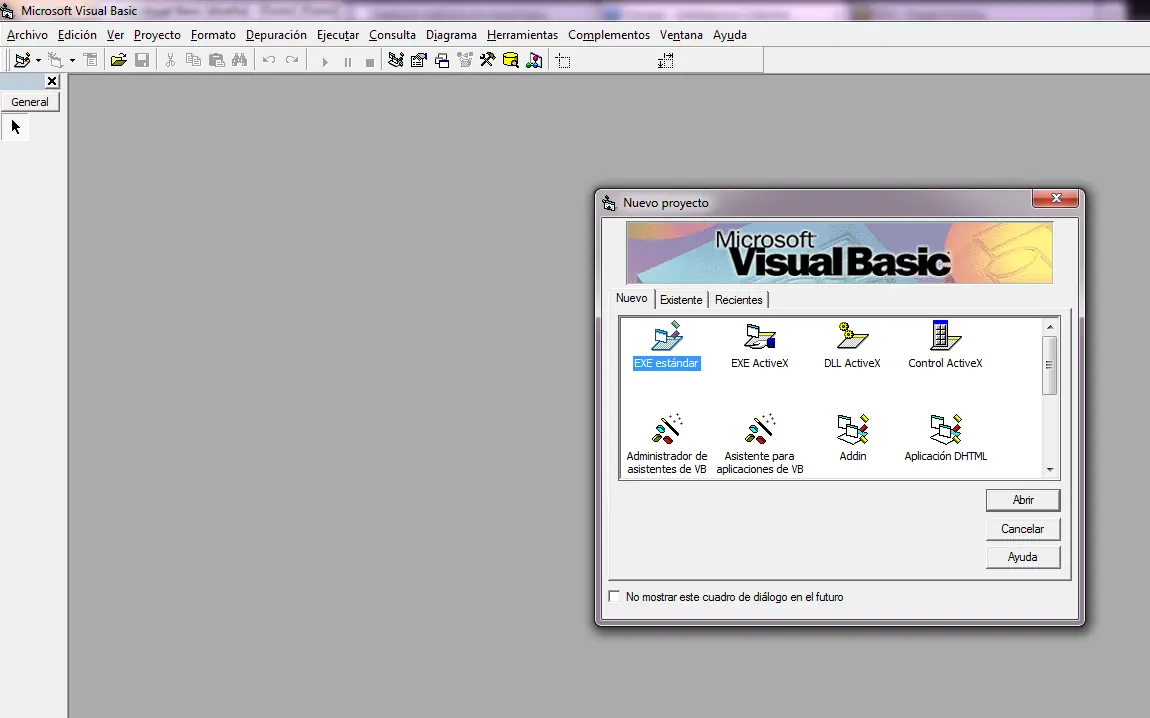
Hola soy Kz Hacker y hoy crearemos un SpyWebCam Creamos un proyecto Exe Standard en Visual Basic 6.0 En el formulario ponemos 4 CommandButton y 1 PictureBox como se muestra en la siguiente imagen: Iniciar:Command1 Detener:Command2 Formato:Command3 Configurar:Command4 PictureBox: Picture1 Agregamos un Modulo.bas: Codigos: Declaracion: Option Explicit Dim temp As Long Boton Iniciar: Dim temp As Long hwdc = capCreateCaptureWindow("CapWindow", ws_child Or ws_visible, _ 0, 0, 320, 240, Picture1.hwnd, 0) If (hwdc <> 0) Then temp = SendMessage(hwdc, wm_cap_driver_connect, 0, 0) temp = SendMessage(hwdc, wm_cap_set_preview, 1, 0) temp = SendMessage(hwdc, WM_CAP_SET_PREVIEWRATE, 30, 0) temp = SendMessage(hwdc, WM_CAP_SET_SCALE, True, 0) 'esto hace que la imagen recibida por el dispositivo se ajuste 'al tamaño de la ventana de captura (justo lo que yo buscaba) DoEvents startcap = True Else MsgBox "No hay Camara Web", 48, "Error" End If Boton Detener: temp = DestroyWindow(hwdc) If startcap = True Then temp = SendMessage(hwdc, WM_CAP_DRIVER_DISCONNECT, 0&, 0& DoEvents startcap = False End If Boton Formato: If startcap = True Then temp = SendMessage(hwdc, WM_CAP_DLG_VIDEOFORMAT, 0&, 0& DoEvents End If Boton Configurar: Dim temp As Long If startcap = True Then temp = SendMessage(hwdc, WM_CAP_DLG_VIDEOCONFIG, 0&, 0& DoEvents End If Form_Load: Command1.Caption = "Iniciar" Command2.Caption = "Detener" Command3.Caption = "Formato" Command4.Caption = "Configurar" Me.Caption = "Capturador de Web Cam" Form_Resize: Private Sub Form_Resize() On Error Resume Next Move (Screen.Width - Width) 29, (Screen.Height - Height) 29 End Sub Form_Unload: Private Sub Form_Unload(Cancel As Integer) temp = DestroyWindow(hwdc) If startcap = True Then temp = SendMessage(hwdc, WM_CAP_DRIVER_DISCONNECT, 0&, 0& DoEvents startcap = False End If End Sub Modulo: Option Explicit Public Const ws_child = &H40000000 Public Const ws_visible = &H10000000 Public Const WM_USER = 1024 Public Const wm_cap_driver_connect = WM_USER + 10 Public Const wm_cap_set_preview = WM_USER + 50 Public Const WM_CAP_SET_PREVIEWRATE = WM_USER + 52 Public Const WM_CAP_DRIVER_DISCONNECT = WM_USER + 11 Public Const WM_CAP_DLG_VIDEOFORMAT = WM_USER + 41 Public Const WM_CAP_DLG_VIDEOCONFIG = WM_USER + 42 Public Const WM_CAP_SET_SCALE = WM_USER + 53 Public Declare Function capCreateCaptureWindow Lib "avicap32.dll" _ Alias "capCreateCaptureWindowA" ( _ ByVal lpszWindowName As String, _ ByVal dwStyle As Long, _ ByVal x As Long, _ ByVal y As Long, _ ByVal nWidth As Long, _ ByVal nHeight As Long, _ ByVal hwndParent As Long, _ ByVal nID As Long) As Long Public Declare Function SendMessage Lib "user32" Alias "SendMessageA" ( _ ByVal hwnd As Long, _ ByVal wMsg As Long, _ ByVal wParam As Long, _ lParam As Any) As Long Public Declare Function DestroyWindow Lib "user32" (ByVal hndw As Long) As Boolean 'Declare Function SendMessage Lib "User" ( _ ByVal hWnd As Integer, _ ByVal wMsg As Integer, _ ByVal wParam As Integer, _ lParam As Any) As Long 'Declare Function capCreateCaptureWindow Lib "avicap.dll" ( _ ByVal lpszWindowName As String, _ ByVal dwStyle As Long, _ ByVal x As Integer, _ ByVal y As Integer, _ ByVal nWidth As Integer, _ ByVal nHeight As Integer, _ ByVal hwndParent As Integer, _ ByVal nID As Integer) As Long 'Declare Function DestroyWindow Lib "User" (ByVal hndw As Integer) As Integer Public hwdc As Long Public startcap As Integer Si no encontras el Form_Resize y el Form_Unload, Copia y pega todo... PD:Si quieren espiar por la webcam, Tienen que crear un proyecto: Cliente/Servidor Con Winsock... Donde ahi un va un & ) Osea qe va junto, yo lo puse separado para no repetir la cara
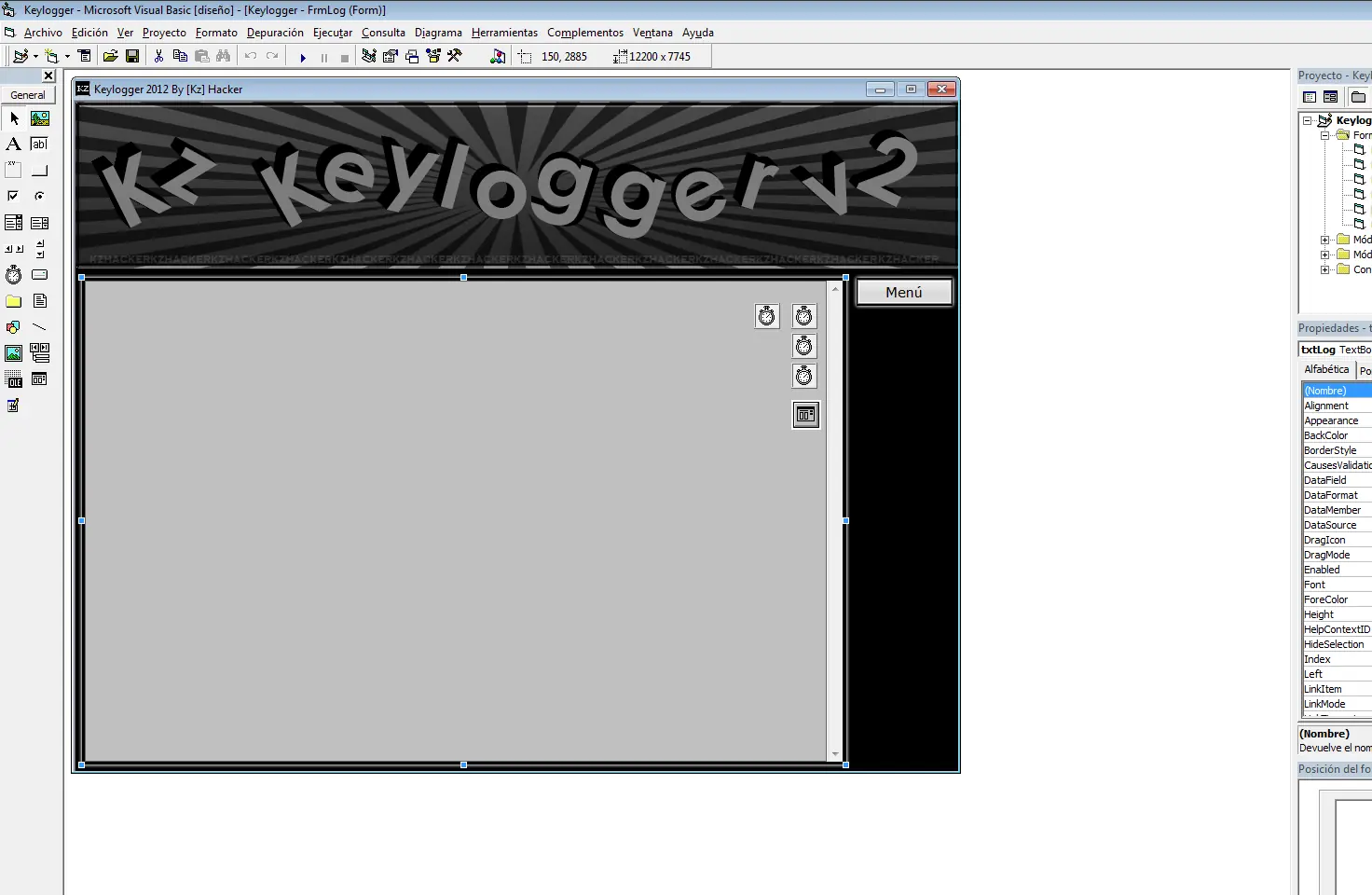
Bueno, falta poco para el lanzamiento de la v2.0 Les dejo unas imagenes ] ] Caracteristicas: Se guardan las configuraciones del usuario en un CONFIG.INI Podran optar por iniciar el programa en modo visible u oculto Envio automatico de correos con el contenido grabado Hotkeys(Teclas de acceso rapido) Envio de correos cada 10, 20, 30, 40 , 50 o 60 minutos Sistemas de contraseña guardados en el registro de windows Cambiar contraseña y eliminarla Menu en el Systray(Area de notificacion) Captura el titulo de la ventana activa Menu: Iniciar detener guardar enviar log configuracion crear y cambiar contraseña eliminar contraseña Lo unico que me falta es terminar el envio automatico de correos PROXIMAMENTE EN MEDIAFIRE PARA TODOS